
Microsoft Core Solutions of Microsoft SharePoint Server 2013 (070-331日本語版) - 070-331日本語무료 덤프문제 풀어보기
HOTSPOT


정답:

Explanation:
Usage and health data collection

Note:
*SharePoint 2013 writes usage and health data to the logging folder and to the logging
database. You can use the SharePoint Central Administration website to configure health
data collection settings.
*See step 3 (and 9 - note the reference to SQL authentication).
Configure usage and health data collection by using Central Administration
The usage and health data settings are farm-wide and cannot be set for individual servers
in the farm.
To configure usage and health data collection by using Central Administration:
- Verify that you have the following administrative credentials:
The user account that performs this procedure has to be a member of the Farm
Administrators group. - In Central Administration, on the home page, click Monitoring. - On the Monitoring page, in the Reporting section, click Configure usage and health data collection. - On the Configure usage and health data collection page, in the Usage Data Collection section, select the Enable usage data collection check box. - In the Event Selection section, select the check boxes of the events that you want to log. - In the Usage Data Collection Settings section, type the path of the folder to which you want usage and health information to be written in the Log file location box. The path that you specify must exist on each server in the farm.
These settings are applied to all events. - In the Health Data Collection section, select the Enable health data collection
check box. To change the collection schedules, click Health Logging Schedule.
- To change log collection schedules, click Log Collection Schedule, and then click any of the timer jobs to change its schedule, or disable that timer job. If you disable a timer job, it stops collecting corresponding log data.
- In the Logging Database Server section, to change the authentication method, select either the Windows authentication or SQL authentication option.
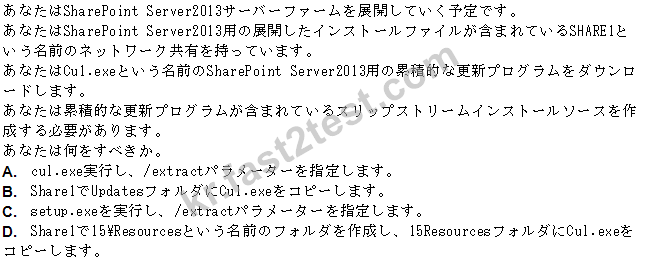
정답: C
설명: (Fast2test 회원만 볼 수 있음)
DRAG DROP
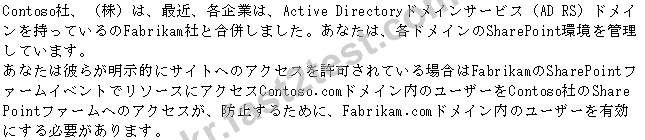

정답:

Explanation:
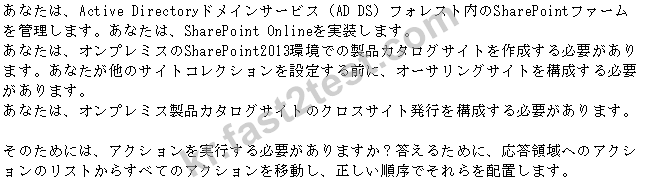
On-way forest trust Security groups web application policy
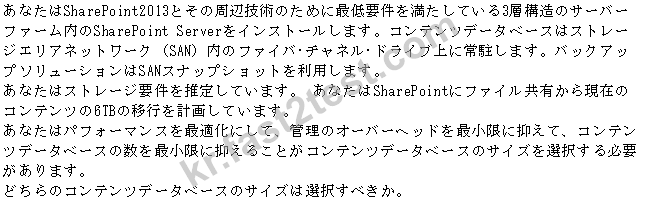
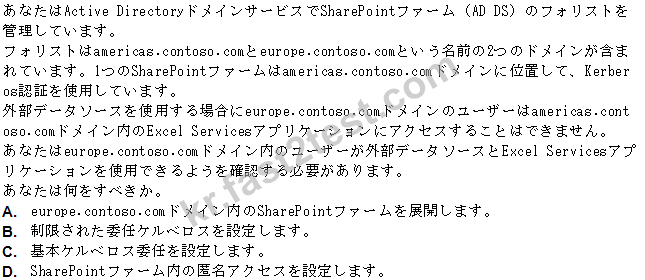
정답: A
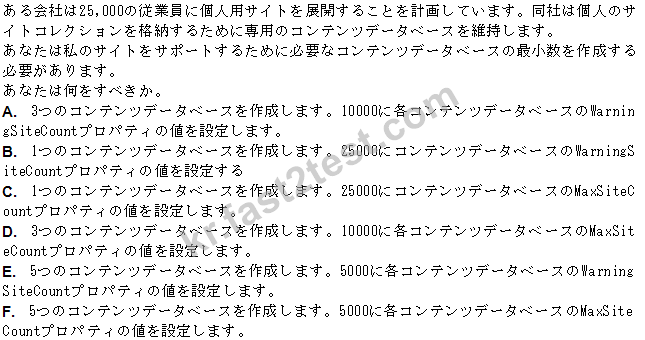
정답: C
정답: C
DRAG DROP

정답:

Explanation:

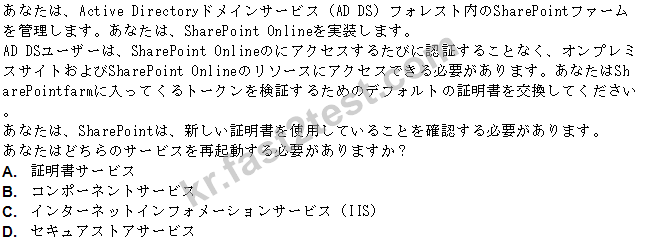
https://technet.microsoft.com/en-us/library/jj656774.aspx
정답: C

정답: D
DRAG DROP

정답:

Explanation:
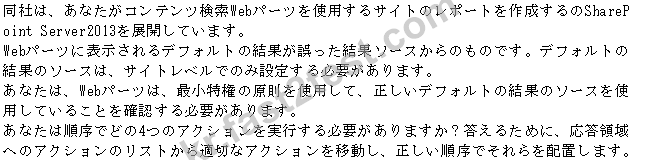
Navigate to the Search Service application screen. Sign in as a member of the Owners group for the site.
Navigate to the site setting screen. Select Result
HOTSPOT

정답:

Explanation:

Note:
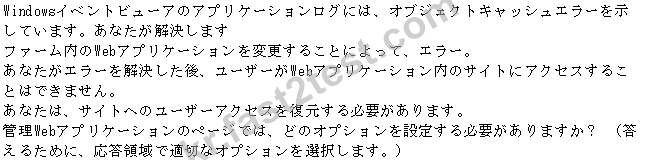
Add users to a permission policy
You might want to add users to a permission policy to ensure that all users are accessing
content with the same set of permissions.
- In the Policy group of the ribbon, clickUser Policy. - In the Policy for Web Application dialog box, select the check box next to the user or group that you want to manage, and then clickAdd Users. - In the Add Users dialog box, in theZonelist, click the zone to which you want the permission policy to apply and then clickNext. - In the Add Users dialog box, in theChoose Userssection, type the user names, group names, or e-mail addresses that you want to add to the permission policy. - In theChoose Permissionssection, select the permissions that you want the users to have.
- In theChoose System Settingssection, checkAccount operates as Systemif you want to specify whether a user account should be displayed as SHAREPOINT\System instead of the actual accounts that perform specific tasks within the SharePoint environment. - ClickFinish.
DRAG DROP

정답:

Explanation:

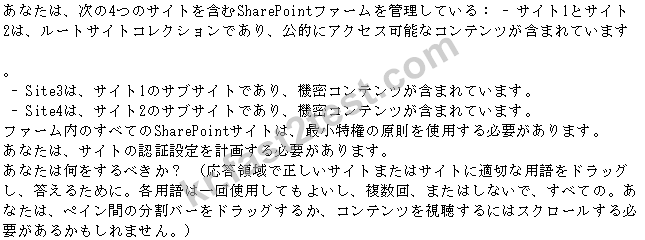
Box 1: Inherited Box 2: Inherited Box 3: unique Box 4: unique
Note:
*Site1 and Site2 are in the root domain. They both inherit permission from the root domain.
*Site3 and Site4 should not inherit permissions from Site1 and Site respectively. They should have unique permissions